Guides1 min read
Guide: setting up remote backup on hestia
The short version of what to do, before you need it.

To setup remote backups on Hestia CP, here’s what you need to do.
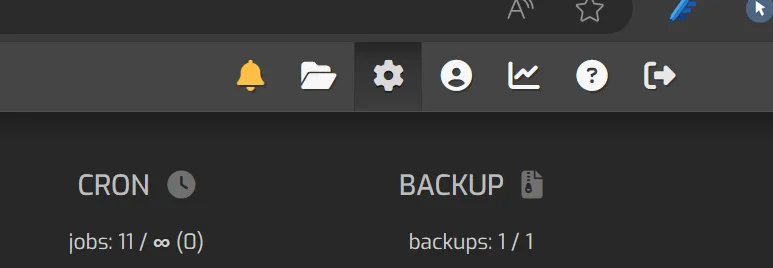
- Go To Server Settings
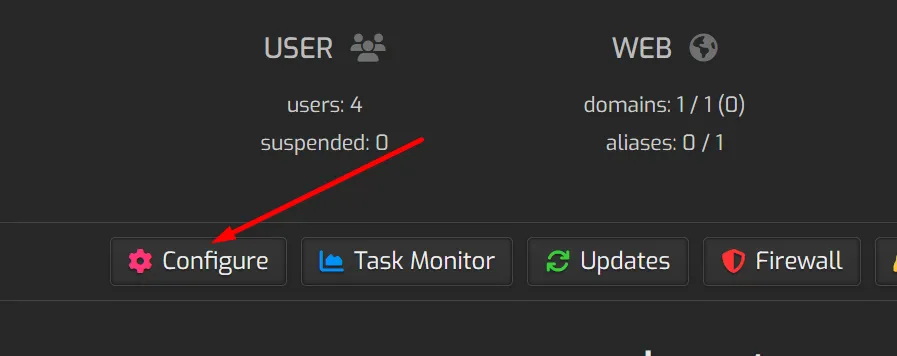
 2. Go to Configure
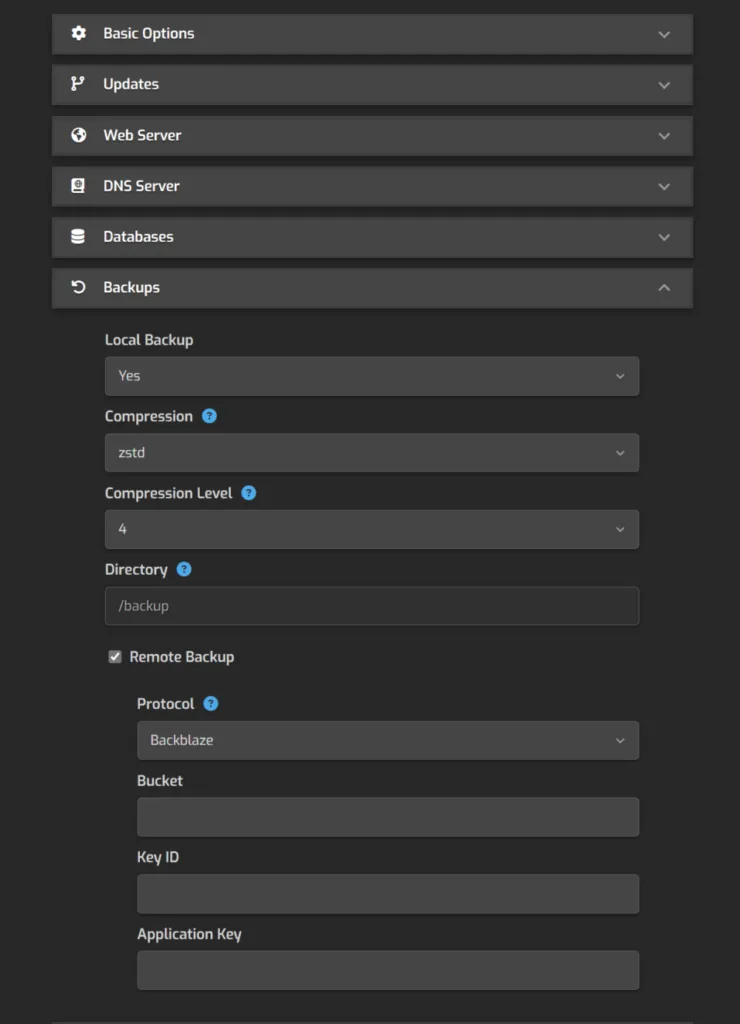
 3. Expand Backups and then select Remote Backup.
Hestia offers FTP, SFTP, Backblaze, Rclone as options. And since it offers Rclone - I guess pretty much all popular backup options are at your fingertips! Although, I prefer direct configuration of Backblaze - so that’s what I did personally.
 Featured image credit - Photo by Yogendra Singh